Best AI Task Automation Tools for API Access (2026)
You need an AI task automation tool with API access, but the options all blur together after the first few demos. Most platforms promise integration and deliver a clunky webhook that breaks your workflow. That is why you are comparing tools now, before your team commits to another stack.
By the end of this article, you will have a clear set of API criteria to judge any tool against, a breakdown of six specific platforms including their beta limitations, and a definitive number one pick for WhatsApp-native teams. You will also know which pricing models to avoid when testing.
What to Look For in AI Task Automation Tools for API Access
When evaluating AI task automation tools for API access, prioritize platforms that offer robust REST APIs, support for webhooks, and clear authentication protocols like OAuth or API keys. These three elements form the foundation of any reliable integration strategy. Without them, your automation scripts will struggle to connect with the services you depend on daily.
API access determines how much control you have over your workflows. A tool with strong API support lets you trigger tasks, pull data, and push results programmatically. This matters whether you are building simple automations or complex data pipelines that connect multiple systems.
Consider how the tool handles real-time events. Webhooks allow the platform to notify your systems instantly when something changes, rather than forcing you to poll for updates. This event-driven approach reduces unnecessary API calls and keeps your operations responsive.
Authentication is another critical factor. Look for tools that support OAuth 2.0 and API keys, as these are the industry standards for secure machine-to-machine communication. The right authentication setup protects your data while still allowing flexible integration with third-party applications.
Finally, examine the monitoring and testing features available. Good API documentation, sandbox environments, and built-in testing tools save significant time during setup. These features help you validate your integrations before they go live, reducing the risk of costly errors in production.
Key API Capabilities and Integration Flexibility
For seamless automation, ensure the tool supports both REST and webhook APIs, offers granular authentication methods, and provides robust error handling with automatic retries. REST APIs are the backbone of most modern integrations, giving you predictable endpoints for creating, reading, updating, and deleting resources. Webhooks complement this by enabling real-time event notifications without constant polling.
Rate limiting policies deserve close attention. Every API has limits on how many requests you can make in a given period. Tools that clearly document their rate limits and handle throttling gracefully are far easier to work with. Automatic retry logic is equally important, as it ensures temporary failures do not derail your entire workflow.
Integration flexibility goes beyond basic connectivity. Check whether the platform offers pre-built API connectors for popular services like Slack, Salesforce, or Google Workspace. If not, verify that the custom integration process is straightforward and well-documented. API-first tools typically excel here because they treat integrations as a core feature, not an afterthought.
When testing a potential tool, make sample API calls to assess response times and error messages. Review the monitoring dashboard to see how it tracks API usage, failed requests, and latency. These practical checks reveal whether the platform can handle your workload reliably.
Consider the full range of endpoints available. A tool with a narrow API surface may limit your ability to automate complex tasks. Look for platforms that expose granular endpoints for task orchestration, data retrieval, and workflow management. This flexibility determines how far you can push your automation without resorting to workarounds.
1. Tasks.Bot - Best Overall
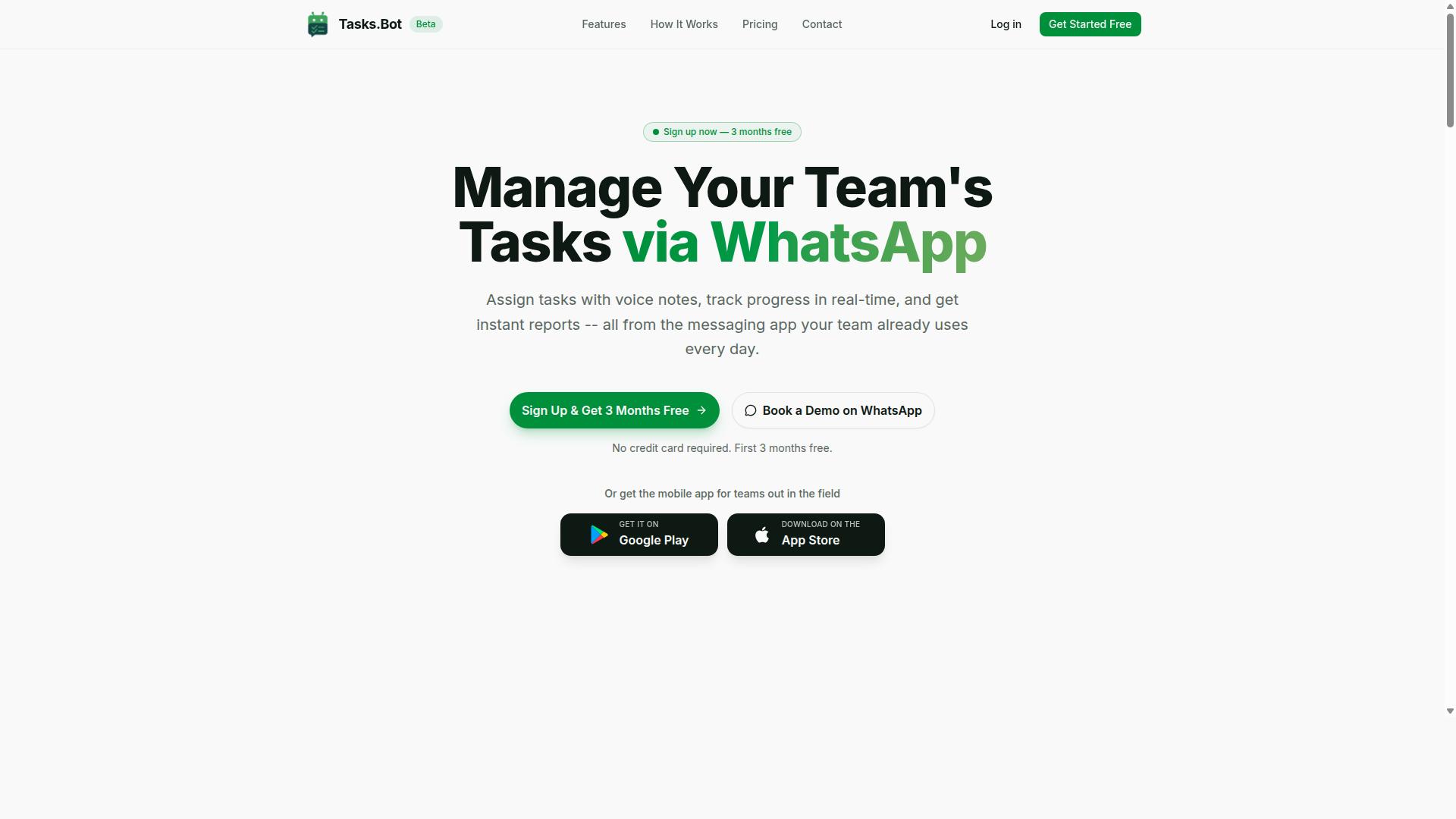
Tasks.Bot stands out as the best overall AI task automation tool for API access, leveraging WhatsApp's ubiquity to deliver task management with minimal friction. Instead of forcing teams to adopt yet another dashboard, this automation platform meets workers where they already spend their day. The result is a lower barrier to adoption and a faster path to real workflow automation.
What makes Tasks.Bot particularly compelling for API access scenarios is its AI-powered natural language processing. Team members can create tasks by sending a simple message or recording a voice note, and the system understands intent without requiring structured forms. This removes the typical overhead associated with task orchestration in field-heavy operations.
As a SaaS product currently in beta, Tasks.Bot is available globally and designed for teams that need intelligent automation without steep learning curves. Its approach pairs the familiarity of WhatsApp with the rigor of enterprise-grade task management, making it a strong candidate for organizations exploring API-first tools.
WhatsApp-Native Automation with API-Ready Workflows
Tasks.Bot's API-ready workflows enable teams to automate task creation and tracking directly within WhatsApp, eliminating the need for separate apps. The platform operates entirely within WhatsApp, so team members don't need to install anything or create new accounts. This is a significant advantage over traditional automation tools that require onboarding and credential management.
The AI layer understands natural language and voice notes, converting casual messages into structured tasks with deadlines and assignments. For teams already using WhatsApp for daily operations, this simplifies API integration considerably. There are no new interfaces to learn and no complex authentication flows to manage on the user side.
Beyond basic task creation, Tasks.Bot offers a range of features that support broader operations:
- Automatic task assignment based on team structure
- Smart deadline reminders that keep work moving
- Approvals and automations for structured workflows
- Instant reports for visibility into progress
- Tasks on a map and live day tracker for field coordination
- Face-verified attendance and shifts, leave, and hours management
The platform also provides Android and iOS apps with push notifications, voice capture, and a home screen widget. Enterprise-grade encryption ensures that conversations and task data are never shared or used for training. For organizations weighing API access options, this combination of accessibility, AI workflow capability, and security makes Tasks.Bot a practical choice in the 2026 automation landscape.
2. Reminderly.ai
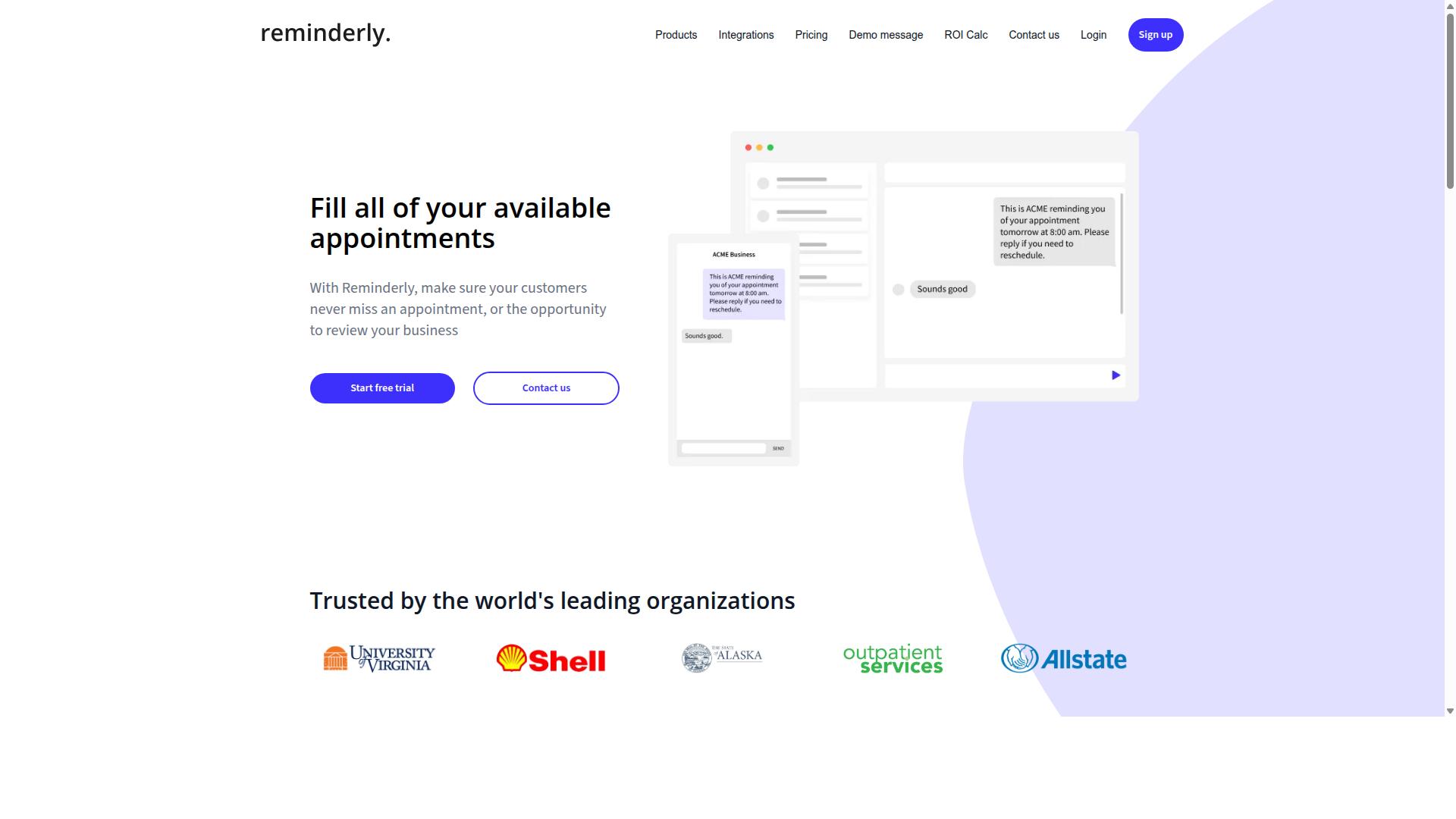
Reminderly.ai offers a focused approach to AI task automation, specializing in smart reminders and scheduling with API access for seamless integration. The platform is designed for teams and individuals who need timely notifications without building complex automation stacks from scratch.
Its core value centers on AI-driven reminder logic, which may interpret natural language inputs to create contextual follow-ups. Instead of manually configuring every trigger, users can describe a task and let the system suggest appropriate timing and recurrence patterns.
For developers, Reminderly.ai likely provides REST endpoints and webhooks to connect with external systems. These API connectors could allow you to push reminder events into your own dashboard, sync with project management tools, or trigger notifications based on activity in other applications.
Authentication typically relies on standard protocols like OAuth or API keys, which keeps integration straightforward for most automation workflows. Rate limiting and retry logic are common considerations, though the exact thresholds may vary depending on the plan you choose.
Where Reminderly.ai stands out is ease of use. The interface is built for speed, so setting up a new reminder or adjusting a schedule usually takes only a few clicks. This makes it a practical option for teams that want intelligent scheduling without heavy technical overhead.
That said, its scope appears narrower than full-scale task orchestration platforms. If your needs extend beyond reminders into complex data pipelines or multi-step AI agent coordination, you may need to pair Reminderly.ai with other automation tools to fill the gaps.
3. TaskRio
4. Karo.bot
Karo.bot leverages conversational AI to automate tasks, offering API access for businesses looking to integrate chatbot-driven automation into their workflows. The platform positions itself as a bridge between natural language processing and everyday operational tasks, making it an option worth considering for teams that prefer chat-based interfaces over traditional form builders or complex dashboards.
From what is publicly known, Karo.bot likely supports REST API endpoints and webhook integrations, which would allow developers to connect the platform to existing internal systems. This kind of API integration is typical for chatbot platforms that need to trigger actions, fetch data, or update records in real time. Authentication is generally handled through API keys or OAuth tokens, though the specifics would need to be confirmed directly with the vendor.
The core value proposition centers on natural language processing capabilities. Users can potentially describe a task in plain language, and the AI agent interprets the request, maps it to the appropriate action, and executes it through the connected systems. This reduces the need for complex automation scripts or manual configuration, which can be a significant time saver for non-technical staff.
Potential use cases for Karo.bot include customer service triage, where the chatbot handles initial inquiries and routes complex issues to human agents. It could also serve internal task management needs, such as scheduling meetings, updating project statuses, or pulling reports from connected data sources. The flexibility of conversational interfaces makes these workflows accessible to employees who do not have deep technical training.
For teams evaluating Karo.bot, it is worth considering how its API orchestration compares to more developer-centric tools. The platform appears oriented toward low-code or no-code automation, which can accelerate deployment but may limit fine-grained control for complex, multi-step processes. Organizations with heavy custom integration needs should examine whether the API endpoints expose sufficient granularity for their specific data pipelines and machine learning models.
As with any automation platform, rate limiting, error handling, and retry logic are important considerations when building on Karo.bot. Teams should review the documentation to understand how API monitoring and testing are supported, and whether the platform provides adequate visibility into failed requests. These operational details determine whether the tool can handle production workloads reliably over time.
5. The Sarah AI
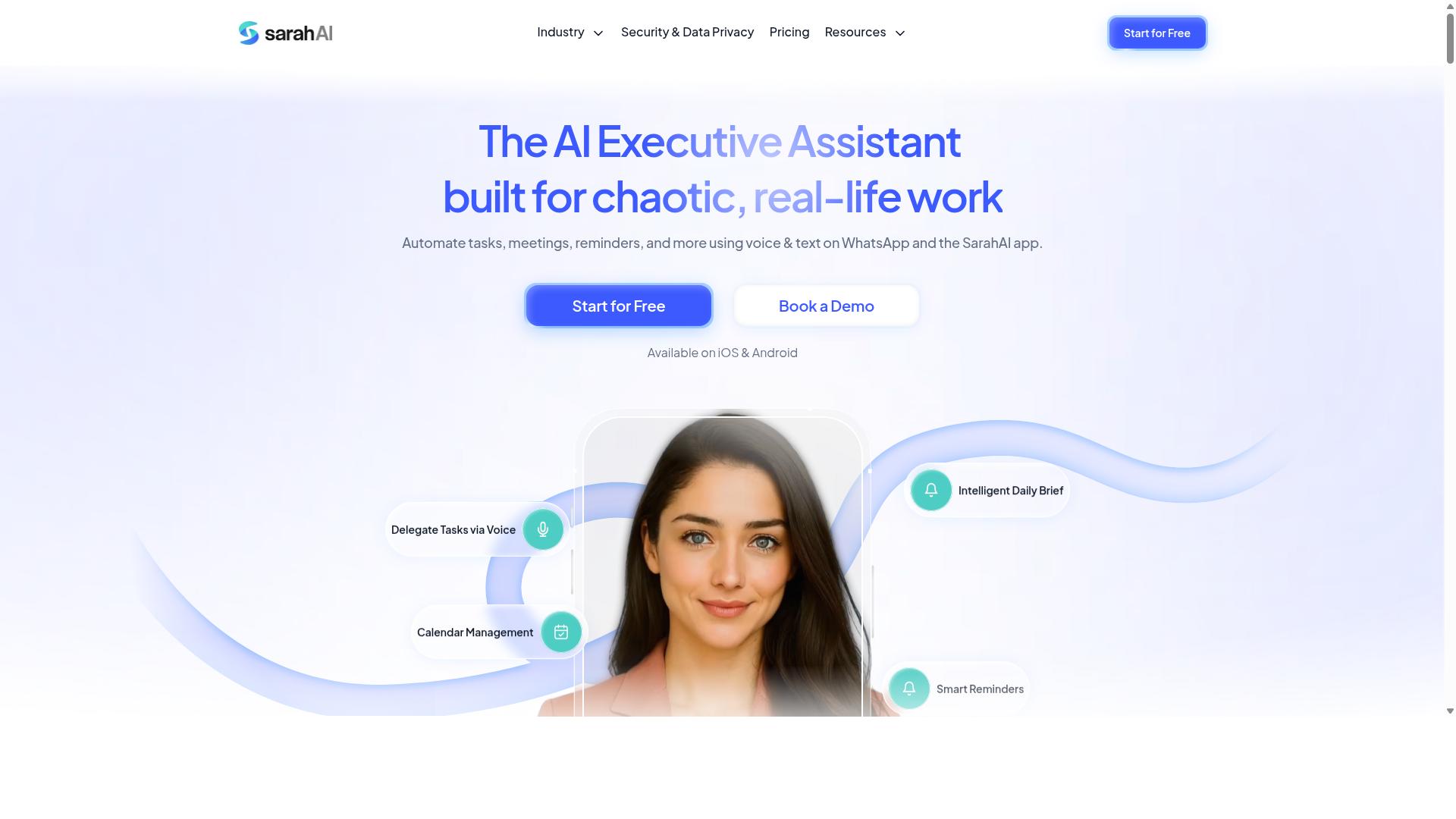
The Sarah AI brings intelligent automation to the table, using machine learning models and API integration to streamline task management across teams. It positions itself in the emerging category of AI agents that go beyond simple rule-based triggers. This makes it a notable option for organizations exploring AI-powered automation that can learn from workflows over time.
Where The Sarah AI appears to differentiate itself is in its focus on task prioritization. The platform reportedly uses machine learning to analyze incoming work, deadlines, and team capacity. The goal is to surface what matters most, rather than simply executing a preset sequence of actions.
For teams evaluating this tool, the key consideration is API access for custom integrations. The Sarah AI is designed to connect with existing software stacks through its API endpoints, which allows for orchestration across multiple systems. This is particularly relevant for businesses that need a layer of intelligence on top of their current automation platform.
However, it is worth noting that the public information about The Sarah AI is still emerging. The specifics of its machine learning models, rate limiting, and authentication methods are not widely documented. Teams should approach this tool with a proof-of-concept mindset, testing whether its intelligent routing genuinely improves workflow efficiency.
In the broader landscape of AI task automation, The Sarah AI represents a shift toward adaptive systems. While traditional tools rely on explicit triggers and logic, this platform aims to use natural language processing and data patterns to make autonomous decisions. For organizations ready to experiment with AI agents, it is a credible candidate worth a closer look.
6. Zoye AI
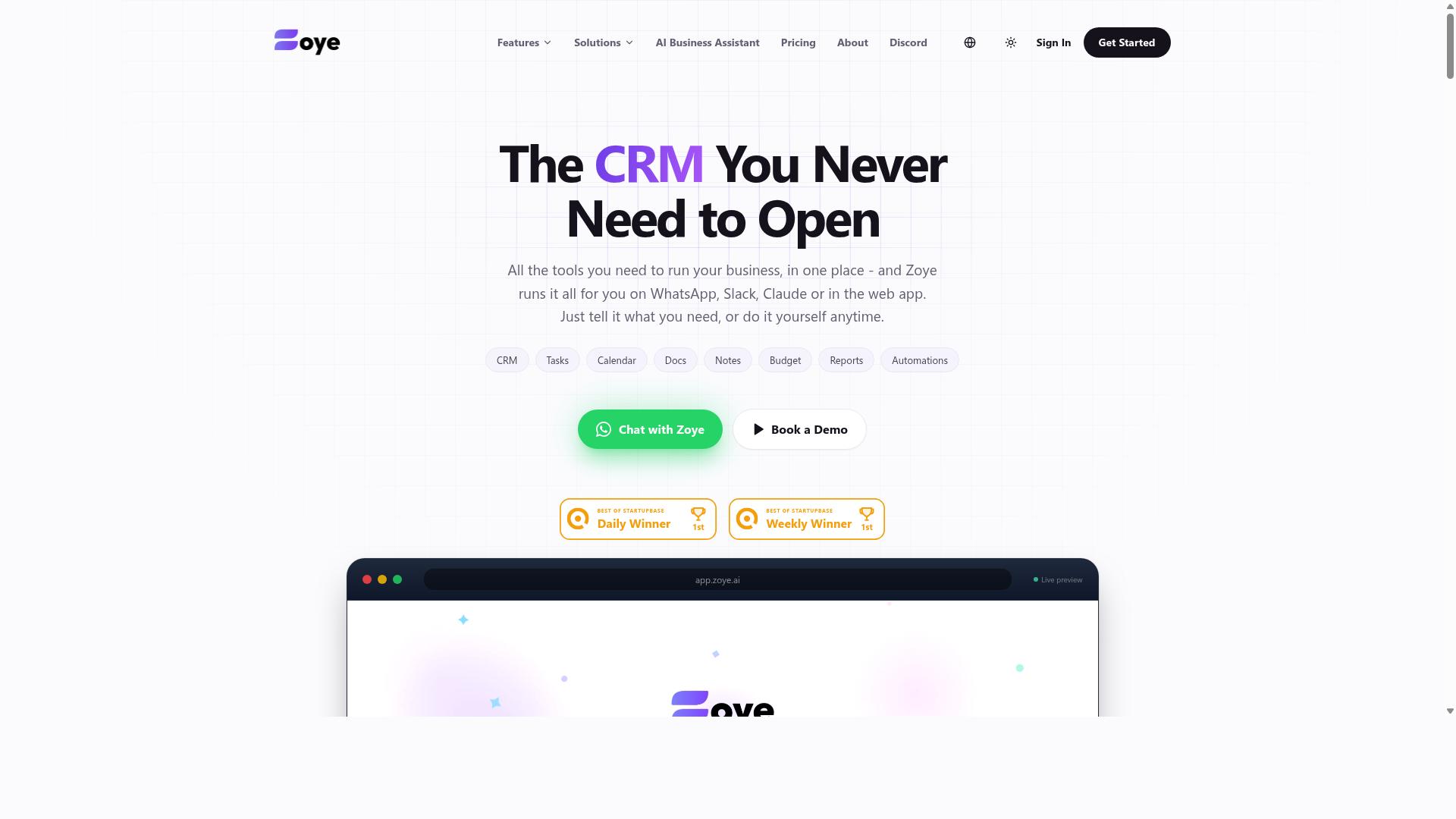
Zoye AI offers a cloud-based automation platform with API connectors, enabling businesses to build AI workflows and data pipelines with ease. The platform appears positioned as a competitor in the growing space of AI task automation, with a focus on simplifying how teams connect their existing tools to machine learning models and natural language processing services.
While specific feature details remain limited in public documentation, the platform's stated direction suggests support for no-code and low-code automation. This approach could appeal to teams that want to orchestrate complex tasks without writing extensive automation scripts from scratch.
For organizations evaluating Zoye AI, the key consideration is API integration depth. Look for whether the platform offers pre-built API connectors for common enterprise systems, or if you will need to rely on custom REST API endpoints and webhooks to bridge your data sources.
The platform's potential strength lies in cloud automation and API orchestration. Teams exploring this option should verify how it handles authentication methods like OAuth and API keys, as well as its approach to rate limiting and error handling. These technical details often determine whether an automation platform fits smoothly into an existing AI workflow stack.
As with any emerging tool, research suggests it is wise to test Zoye AI against your specific data pipeline requirements before committing. The automation tools market continues to expand rapidly, and newer entrants often iterate quickly based on customer feedback.
How to Choose the Right Option
Choosing the right AI task automation tool requires evaluating your team's API needs, budget, and readiness for beta software. The best starting point is to map out which systems need API integration, from REST API endpoints to webhooks and OAuth authentication flows.
Consider how your team communicates daily. If WhatsApp is your primary channel, especially with field staff who need task management and attendance tracking, your tool must connect naturally with that workflow. Teams using WhatsApp for communication may find Tasks.Bot most suitable, since the platform is built around that specific use case.
Evaluate the technical depth you require. Some automation tools offer no-code automation for business users, while others provide low-code automation for developers who need API orchestration and custom retry logic. Your team's technical skill level should guide this decision.
Before committing, request demos and explore trial periods. Hands-on evaluation matters more than feature lists, because API integration quality reveals itself through real usage. A tool that looks impressive on paper may struggle with rate limiting or error handling in practice.
Use this comparison checklist when reviewing options:
- Which API endpoints and API connectors does the tool support natively?
- Does pricing scale predictably as your team grows?
- Is the software stable, or still in beta with potential reliability issues?
- Does the tool fit your team's communication habits and workflow?
- What authentication methods are supported, such as API keys or OAuth?
Pricing Models and Beta Access Considerations
Understanding pricing models and beta access is crucial; for instance, Tasks.Bot offers transparent pricing at 200 per member per month or 1,200 per year per member. That annual rate represents a 50% savings, which amounts to 1,200 saved per member each year.
Tasks.Bot provides a Full Access plan with all features included, avoiding the tiered upsell structure common in many automation platforms. Pricing is available in both Indian Rupees and US Dollars, so teams can select their preferred currency. New users receive 3 months free with no credit card required, and cancellation is allowed at any time.
However, Tasks.Bot is currently in beta status. Beta software can introduce occasional instability or missing features compared to mature platforms. Teams with mission-critical automation needs should weigh this against the cost savings and the tool's specific fit for WhatsApp-based workflows.
When comparing automation tools, look beyond the headline price. Consider long-term costs as your API usage grows, and check whether pricing scales per member, per API call, or per workflow. Scalability often reveals hidden expenses that only appear after months of production use.
Review refund policies and free trial terms carefully. A generous trial period, like the one Tasks.Bot offers, lets you test API integration and task orchestration before spending money. Research suggests that teams who trial automation tools for at least two weeks make more confident purchasing decisions.
For teams using WhatsApp with field staff, the combination of transparent pricing, a full-featured plan, and a free trial makes Tasks.Bot worth serious consideration. For teams needing mature, battle-tested platforms with extensive API connectors, a stable paid tool may justify higher costs. The right choice balances your API requirements, budget constraints, and tolerance for beta-stage software.
Final Verdict
After weighing API capabilities, ease of use, and pricing, Tasks.Bot emerges as the top choice for teams already comfortable with WhatsApp. The platform removes the friction that plagues most automation tools by operating entirely within the messaging app. Team members don't need to install anything or create new accounts, which makes adoption nearly instant.
What sets Tasks.Bot apart is its AI natural language processing. Instead of wrestling with complex API endpoints or building automation scripts, users simply describe tasks in plain language or record voice notes. The AI interprets the request and handles the task creation, which makes it accessible to non-technical staff while still offering the API access that developers need.
For organizations with field teams, the face-verified attendance and live GPS tracking add a layer of operational control that most competitors lack. These features work directly within WhatsApp, so remote workers stay connected without juggling multiple apps. Enterprise-grade encryption ensures that conversations and task data are never shared or used for training models, which addresses common privacy concerns with AI-powered tools.
The 3-month free trial with no credit card required makes it easy to evaluate the platform without commitment. Tasks.Bot is available globally and currently operates in beta, which means early adopters get access to a rapidly evolving product. For teams that want workflow automation without the learning curve, this is the most practical option in the 2026 landscape.
Other tools in this roundup offer strong API orchestration and no-code automation capabilities, and they deserve consideration for specialized use cases. However, none match the combination of natural language processing, WhatsApp-native operation, and zero-install accessibility that Tasks.Bot delivers. If your team already relies on WhatsApp for daily communication, this is the automation platform that fits your existing workflow.
Frequently Asked Questions
How does Tasks.Bot differ from other AI task automation tools on this list?
Unlike most tools that require team members to learn a new dashboard or install software, Tasks.Bot operates entirely within WhatsApp. This means your team can assign tasks, track progress, and receive reports using a platform they already use daily, with no new accounts or installations required.
Can Tasks.Bot really understand voice notes for task creation?
Yes. Tasks.Bot uses AI to interpret natural language and voice notes, so a field manager can simply speak a task into WhatsApp and the system will create and assign it automatically. This is a core differentiator versus tools that rely on typed commands or complex form-based inputs.
Is Tasks.Bot suitable for teams with field staff who aren't tech-savvy?
Absolutely. Since the core experience is inside WhatsApp, there is no learning curve for field workers. They also get a mobile app for advanced features like face-verified attendance and live location tracking on a map, which makes it ideal for teams that need payroll-ready hours and real-time visibility.
What does the "Full Access" plan include, and how is it priced?
The Full Access plan includes all features-voice notes, automations, approvals, instant reports, and map views-with no tiered restrictions. Pricing is transparent: 200 per member per month, or 1,200 per member per year (a 50% saving), available in both Indian Rupees and US Dollars.
Is Tasks.Bot available globally, and is it stable enough for production use?
Yes, Tasks.Bot is a global SaaS product with no country restrictions, accessible anywhere via WhatsApp and mobile apps. While it is currently in beta, the site notes that hundreds of teams are already using it, and it offers a refund policy and a 'Book a Demo on WhatsApp' option to test it before committing.
How does Tasks.Bot handle attendance and reporting compared to general-purpose automation tools?
Tasks.Bot goes beyond simple task automation by offering face-verified attendance and live day tracking, which general tools like Zapier or n8n do not provide out of the box. It automatically generates instant reports and smart deadline reminders within WhatsApp, so managers get operational insights without leaving their chat app.
Recommended Resources: