Top 6 AI Task Automation Tools for Data Entry Automation
You're drowning in manual data entry, and every hour spent copying fields is an hour stolen from your actual work. The tools promising relief often add more friction than they remove. That's why this roundup focuses on concrete criteria: accuracy, integration, and ease of use, so you can compare options without the marketing fluff.
By the end of this article, you'll have a clear picture of six AI task automation tools, including which one handles data entry through WhatsApp and which alternatives fit smaller teams or specific workflows. You'll also get a practical breakdown of pricing models and team size considerations, plus a definitive number one pick to start your evaluation.
What to Look For in AI Data Entry Automation Tools
When evaluating AI data entry automation tools, prioritize three core pillars: accuracy (measured by OCR and extraction precision), integration (seamless connectivity with your existing CRM, ERP, or messaging platforms), and ease of use (minimal learning curve for non-technical team members). These three factors determine whether an automation tool becomes a daily workhorse or an abandoned experiment.
Accuracy matters most because data entry errors compound quickly. A single misread invoice number can trigger payment delays, inventory mismatches, or compliance headaches. Look for tools that advertise OCR accuracy of 99% or higher on structured documents, such as standardized forms and typed invoices. For unstructured data like handwritten notes or scanned contracts, template-free extraction becomes the differentiator, as it relies on machine learning rather than rigid layouts.
Integration determines how quickly the tool fits into your existing stack. A powerful data extraction engine is useless if it cannot push results into your accounting software or customer database. Check whether the tool offers a robust API for custom workflows and native connectors for popular platforms like Salesforce, Google Sheets, or QuickBooks. Compatibility with middleware such as Zapier also extends reach without requiring developer resources.
Ease of use separates tools that scale from those that stall. The best automation platforms let operations staff configure workflows without writing code. Pre-built templates for invoice processing, form processing, and document classification accelerate deployment from weeks to days. Consider whether the vendor provides responsive customer support and clear documentation, as these resources reduce downtime during initial setup.
Use this checklist to compare your shortlisted options:
- Does the tool handle both structured and unstructured data?
- What is the stated OCR accuracy rate for your document types?
- Are native connectors available for your core business systems?
- Does an API exist for custom data integration scenarios?
- Can non-technical staff configure workflows independently?
- How long does a typical implementation take?
- Are validation rules and error handling built into the extraction flow?
Compare these criteria side by side. The right tool balances all three pillars rather than excelling at one while neglecting others.
Accuracy, Integration, and Ease of Use
Accuracy hinges on the tool's ability to handle both structured and semi-structured data, with validation rules that catch errors before they propagate. Modern platforms combine optical character recognition with machine learning models that improve over time. Each processed document teaches the system to recognize new fonts, layouts, and handwriting patterns, steadily reducing error rates for key-value pair extraction and table extraction.
Benchmarks matter when evaluating extraction quality. For structured documents with predictable fields, top-tier tools achieve near-perfect accuracy. Semi-structured formats like purchase orders or medical records present greater challenges, so test the tool with your actual documents rather than generic samples. Error reduction compared to manual entry is typically dramatic, often cutting data cleansing efforts by a wide margin, though exact numbers depend on document complexity and volume.
Integration goes beyond basic connectivity. The ideal automation tool offers bidirectional sync, meaning it can read data from your systems and push validated results back. Common integration points include Google Sheets for quick prototyping, Salesforce for customer records, and ERP systems for financial data. A well-designed API allows your development team to embed data extraction directly into custom applications, enabling business process automation that spans multiple departments.
Real-world scenarios illustrate why integration depth matters. Consider a logistics company receiving thousands of shipping manifests daily. A tool with native connectors to their warehouse management system automatically updates inventory levels as documents arrive. Without those connectors, staff must export and re-import files, recreating the manual bottlenecks the automation was meant to eliminate.
Ease of use determines adoption across your organization. Drag-and-drop interfaces allow process owners to design extraction workflows visually, mapping source fields to destination systems without IT intervention. Pre-built templates accelerate deployment for common use cases like invoice processing and form processing, reducing setup time from weeks to days. Natural language processing capabilities simplify rule creation, letting users describe validation logic in plain English rather than code.
Training requirements vary significantly between tools. Some platforms require dedicated administrators to manage models, while others auto-learn from user corrections. For smaller teams, look for tools where non-technical staff can operate daily tasks like reviewing exceptions and approving extracted data. Comprehensive onboarding materials, video tutorials, and responsive support teams reduce the learning curve further.
Test each candidate with a pilot project using your real documents. Measure setup time, extraction accuracy, and the effort required to correct errors. This hands-on evaluation reveals which tool delivers the balance of accuracy, integration, and ease of use that fits your workflow automation needs.
1. Tasks.Bot - Best Overall
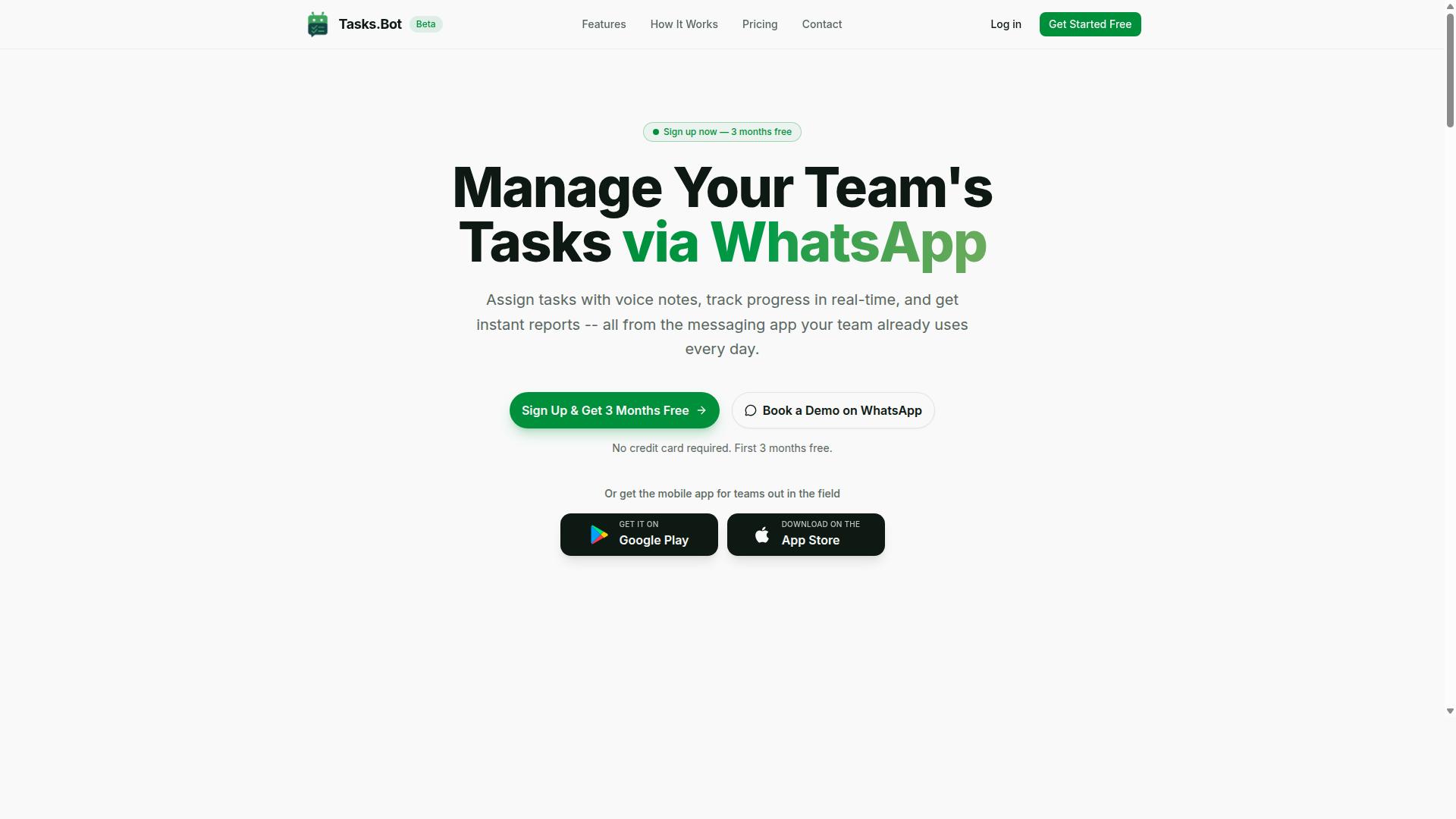
Tasks.Bot earns the top spot by combining AI-driven task creation with the ubiquity of WhatsApp, making it the most accessible data entry automation tool for teams that already live in messaging apps. Instead of forcing staff into a new dashboard or desktop client, this platform turns a familiar chat interface into a full task management system.
The core value is simple: your team already knows how to send a message, so there is no training curve. Field staff, remote workers, and office teams can log work, track progress, and receive updates without ever leaving WhatsApp. This makes it an ideal fit for data entry automation workflows where speed and ease of adoption matter most.
Tasks.Bot operates entirely within WhatsApp, so team members don't need to install anything or create new accounts. The platform handles the heavy lifting, from task assignment to reporting, all through a chat-based experience that feels native to how modern teams communicate.
AI-Powered Task Creation via WhatsApp
Tasks.Bot's standout feature is its AI-powered task creation that understands natural language and voice notes, allowing field staff to log tasks hands-free without learning a new system. The AI parses incoming messages to extract task details, assignees, deadlines, and priorities automatically. This removes the friction of manual form filling and structured data entry.
Consider a simple voice note: "Remind Raj to submit the invoice by Friday." The AI interprets the intent, identifies the assignee, sets the deadline, and creates a tracked task instantly. No menus, no dropdowns, no templates to configure. This natural language processing capability is what sets it apart from traditional task tools that require structured input.
The practical benefits extend beyond convenience. When field staff can log tasks hands-free, they capture details in the moment rather than relying on memory later. The platform also includes smart deadline reminders, approvals and automations, instant reports, and a mobile app for both Android and iOS with push notifications and voice capture.
For teams handling invoice processing, form processing, or any repetitive data capture workflow, this chat-based approach reduces the barrier to consistent task logging. Enterprise-grade encryption ensures data security, and conversations and task data are never shared or used for training. A 3-month free trial with no credit card required makes it easy to evaluate the fit.
2. Reminderly.ai
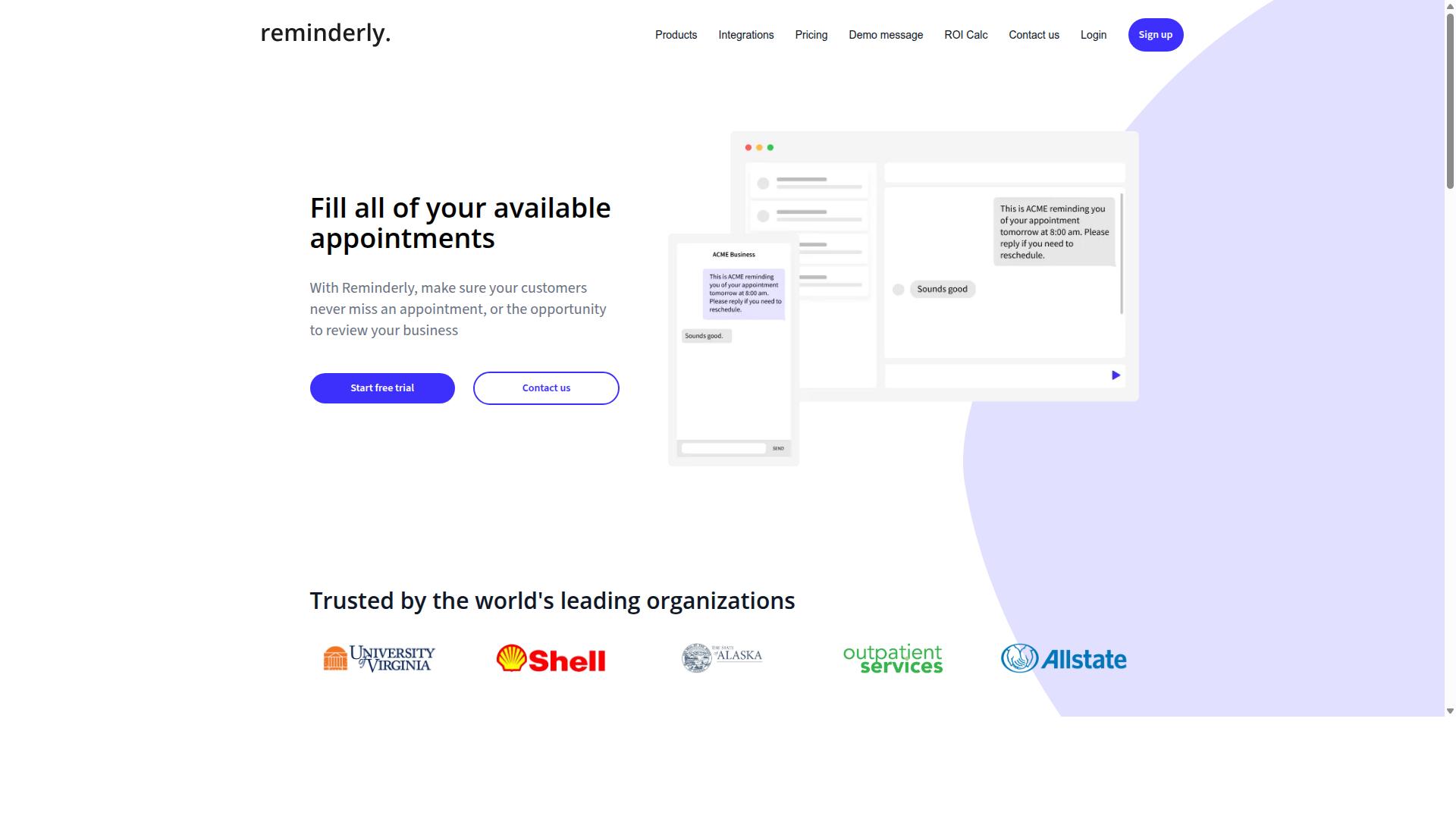
Reminderly.ai is a strong contender for teams that need simple, AI-driven reminders and task scheduling without the complexity of full-fledged data entry automation. The platform appears to focus on keeping users on track with intelligent notifications and automated follow-ups rather than processing documents or extracting data.
Based on publicly available information, Reminderly.ai likely offers AI-based reminders that adapt to user behavior and priorities. It may also support task scheduling across various messaging apps, making it convenient for teams that already communicate through chat platforms. These features position it as a useful productivity tool for personal organization and lightweight team coordination.
Where Reminderly.ai may fall short is in advanced data extraction capabilities. Unlike dedicated data entry automation tools, it probably does not handle optical character recognition, invoice processing, or template-free extraction from unstructured documents. Teams looking for automated data capture from PDFs, emails, or scanned files would likely need a more specialized solution.
For comparison, Tasks.Bot takes a broader approach to workflow automation. While Reminderly.ai centers on nudging users to complete tasks on time, Tasks.Bot aims to cover the full spectrum of task management, including data entry and document processing. The choice between them depends on whether your priority is timely prompts or hands-off data handling.
If your workflow involves repetitive data entry, form processing, or extracting key-value pairs from invoices, a reminder-centric tool may not deliver the error reduction you need. Data validation and document classification require purpose-built machine learning models, which are typically outside the scope of simple reminder apps. Evaluate your document volume and complexity before committing to a solution.
3. TaskRio
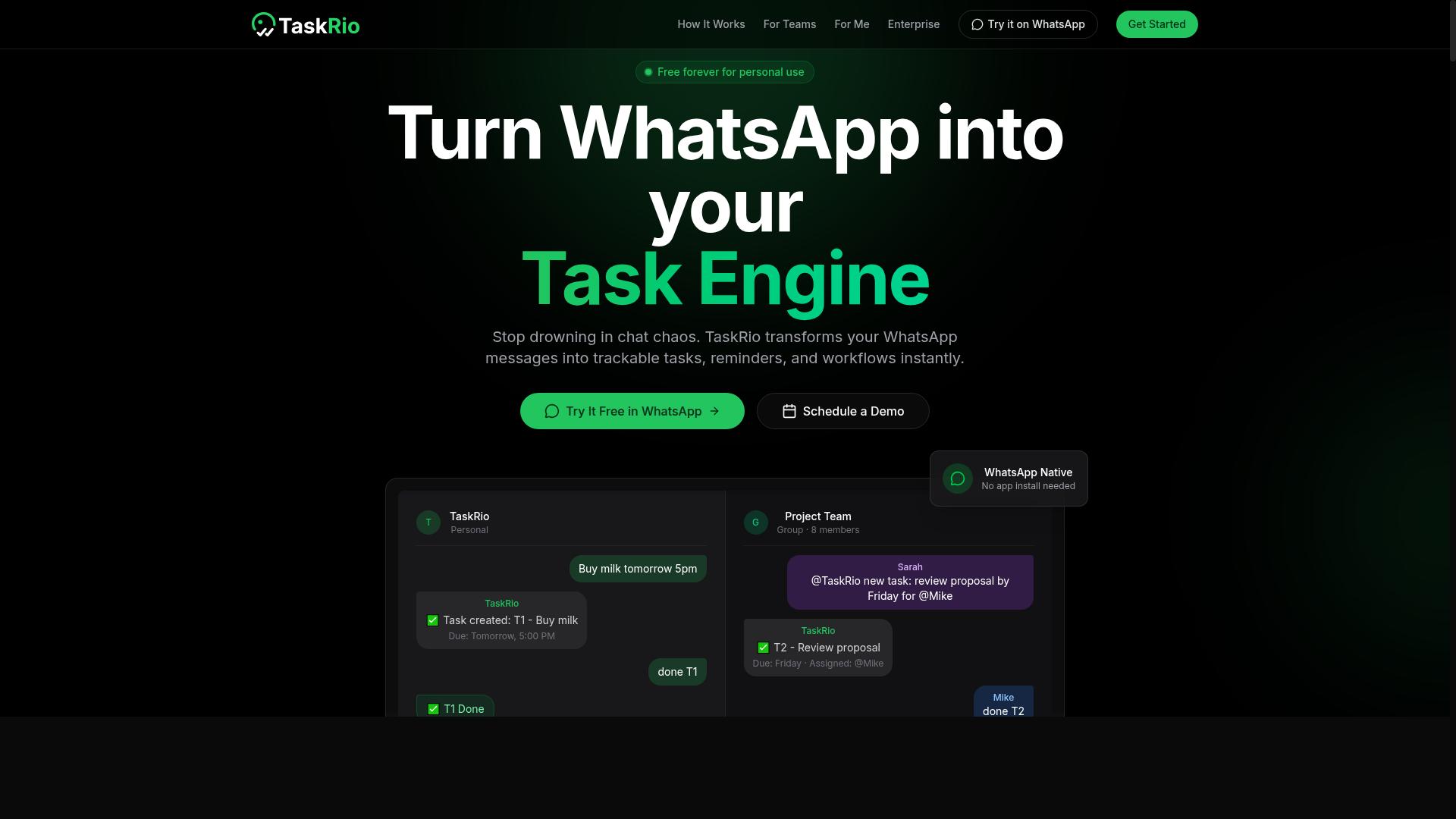
TaskRio positions itself as a versatile task management platform with AI enhancements, suitable for teams that want a more traditional dashboard experience alongside automation. It aims to combine project tracking with intelligent assistance, giving managers a familiar interface for overseeing data entry workflows. The platform appears designed for organizations that prefer visual boards and structured task lists over chat-based interactions.
The core appeal of TaskRio lies in its web-based dashboard, which centralizes task assignment, progress tracking, and team collaboration in one place. Users can likely organize data entry projects into phases, assign responsibilities, and monitor completion rates through visual indicators. This approach suits teams that need oversight and accountability across multiple concurrent automation initiatives.
AI-assisted task prioritization is another likely strength, helping teams focus on the most critical data entry jobs first. The system may analyze deadlines, workload, and dependencies to suggest optimal sequencing. For data entry automation, this means high-volume invoice processing or form digitization tasks can be flagged for immediate attention, reducing bottlenecks in daily operations.
Integrations with common productivity tools are expected, allowing TaskRio to fit into existing software stacks. Teams already using project management suites or communication platforms may find it easier to adopt than a standalone solution. However, onboarding may require more setup time compared to chat-first alternatives, as users need to learn the dashboard layout and configure workflows manually.
Compared to Tasks.Bot's WhatsApp-first model, TaskRio takes a more conventional route. Tasks.Bot allows users to delegate data entry tasks through familiar messaging conversations, while TaskRio expects users to engage with its web interface directly. The choice between them depends on preference: teams comfortable with dashboards may favor TaskRio, while those seeking minimal training might lean toward the conversational approach. Both models support workflow automation and error reduction, but the user experience differs significantly.
4. Karo.bot
Karo.bot focuses on conversational AI for task management, aiming to reduce friction by letting users interact via chat interfaces. Instead of navigating complex dashboards, team members can assign tasks, check statuses, and request updates through familiar messaging platforms.
The core appeal is natural language processing that interprets everyday commands. A user might type "remind me to verify the client list by Friday" and the system converts that into a trackable task with a deadline. This makes the tool approachable for non-technical staff who prefer chat over form-based data entry.
For data entry automation specifically, Karo.bot handles simple requests well. It can capture notes, assign follow-ups, and log basic information that arrives through conversational channels. Teams that already rely heavily on Slack or Microsoft Teams may find this integration point particularly convenient.
However, the conversational approach has clear limitations for advanced data extraction. Karo.bot is not built for high-volume invoice processing, template-free extraction from unstructured documents, or complex table extraction. Its reporting capabilities tend to be basic, and it lacks the depth needed for optical character recognition or intelligent document processing workflows.
When comparing options, consider the scope of your data entry needs. Karo.bot suits lightweight task coordination and simple data capture. For organizations handling structured and semi-structured documents at scale, a broader automation tool with dedicated data extraction features is often a better fit. Evaluating your document types and volume before choosing helps ensure the tool matches your actual workflow requirements.
5. The Sarah AI
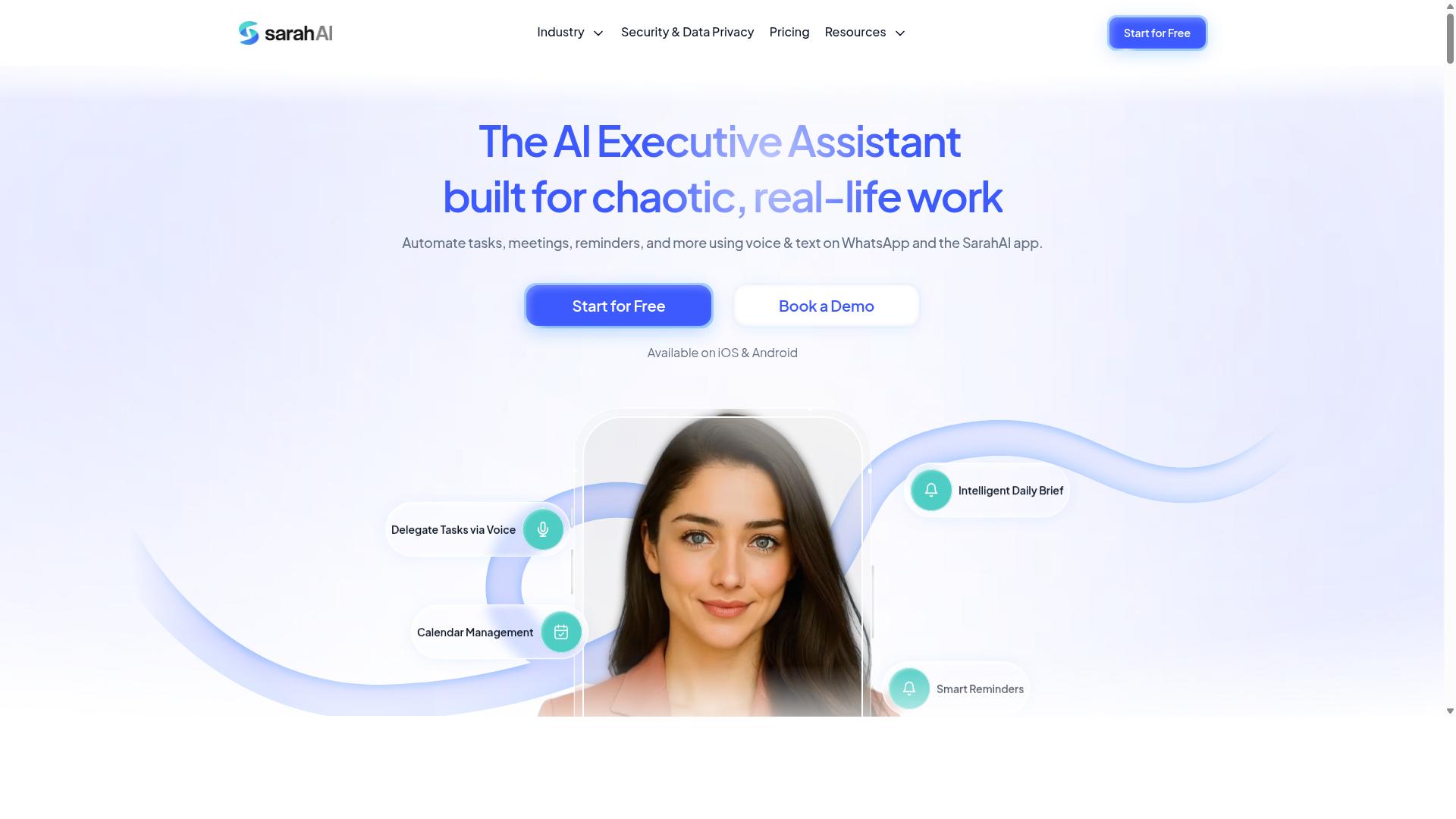
The Sarah AI brings a personal assistant-style approach to task automation, leveraging AI to handle scheduling and data entry with a human-like touch. It is designed around natural language understanding, so users can describe what they need in plain conversation rather than building complex workflows.
This tool likely excels at proactive suggestions, anticipating next steps based on patterns in your calendar and inbox. For example, it might notice a recurring invoice entry and offer to automate that process before you even ask. That makes it appealing for professionals who want a lighter, more conversational way to reduce manual data entry.
Where The Sarah AI may fall short is in team collaboration and enterprise-grade data handling. Its strengths appear focused on individual productivity, which suits freelancers and solo operators, but it may not offer the shared workspaces, role-based permissions, or structured data pipelines that growing teams need.
For teams handling high volumes of unstructured data, a tool built around workflow automation and data validation is often a better fit. Tasks.Bot takes a more systematic approach, offering features designed for business process automation across departments rather than single-user assistance. While The Sarah AI feels like a helpful colleague, team-oriented platforms are built to be the backbone of your data entry operations.
6. Zoye AI
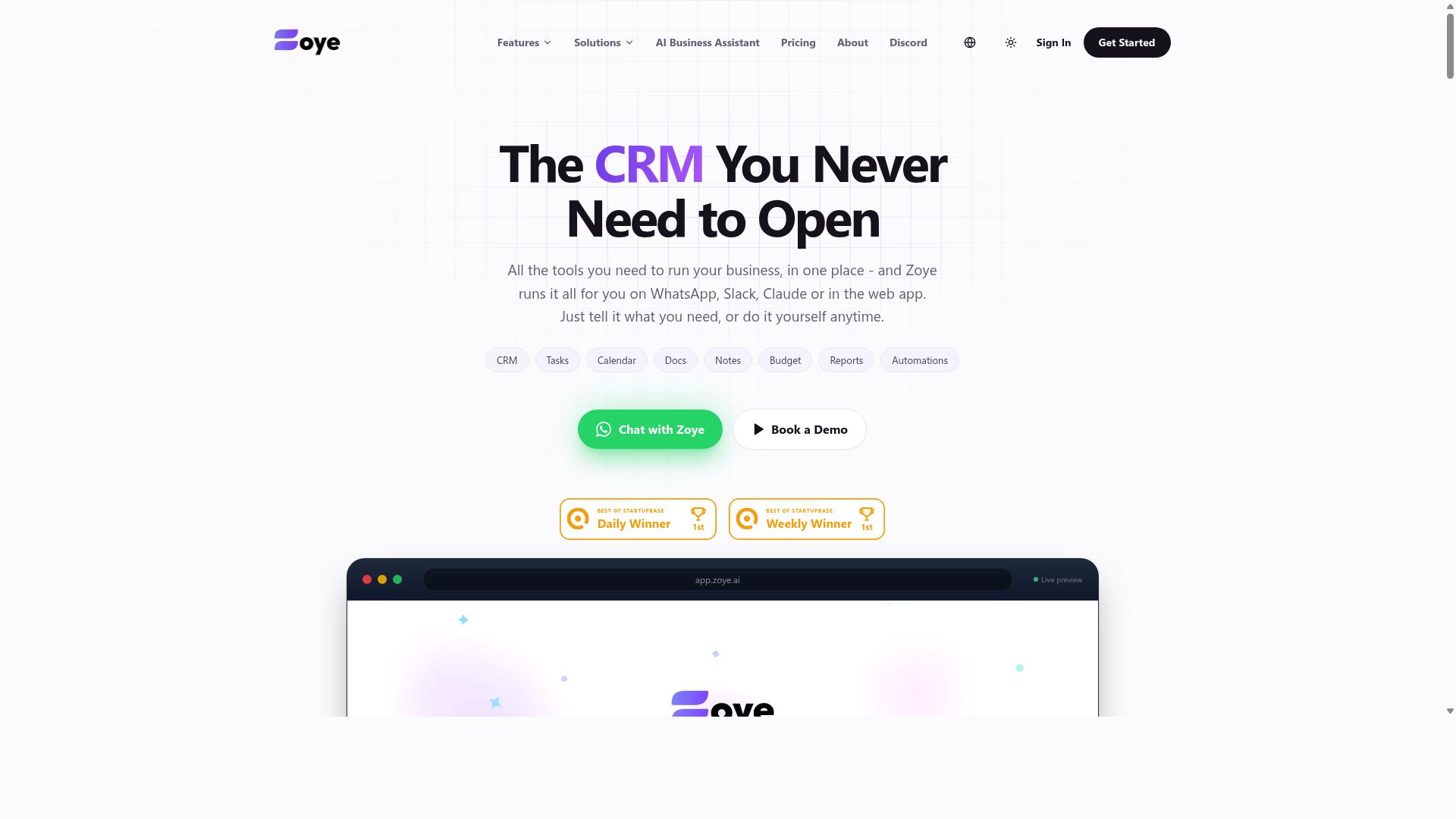
Zoye AI aims to streamline workflows by integrating AI-driven data capture and task management, targeting businesses that need to automate repetitive processes. The platform sits at the intersection of data extraction and workflow automation, which makes it a natural fit for teams handling high volumes of forms, invoices, and other document-based inputs.
Its core strength appears to be handling structured and semi-structured data through machine learning and optical character recognition. For companies with predictable document layouts, such as purchase orders or standardized application forms, this approach can reduce the need for manual data entry and speed up downstream processing.
Integration with existing tools is a key consideration for any platform in this category. Zoye AI likely connects with common productivity software and business process automation stacks, allowing extracted data to flow into CRMs, spreadsheets, or accounting systems without constant human intervention.
One potential trade-off is the level of technical setup required. Compared to no-install browser-based tools, Zoye AI may demand more configuration, such as defining extraction templates or mapping fields to specific systems. Teams with dedicated IT support or automation specialists will find this manageable, while smaller operations might face a steeper learning curve.
For organizations already running structured workflows, Zoye AI offers a credible path toward error reduction and faster document processing. The key is to evaluate whether the setup effort aligns with your team's technical capacity and whether the platform's template-free extraction capabilities meet your needs for handling unstructured data.
How to Choose the Right Option
Choosing the right AI data entry automation tool depends on your team's communication habits, data complexity, and budget, so start by mapping your existing workflows. Ask where your team already spends time: are they chatting in WhatsApp, working from shared spreadsheets, or logging into a web dashboard?
The answer shapes which tool will actually get adopted. A powerful platform that requires daily dashboard check-ins will fail if your staff lives in a messaging app. Conversely, a chat-based tool may feel limiting for a team that needs deep reporting and visual workflow builders.
Next, assess your data. Structured data like forms and invoices with fixed fields is easier to automate than unstructured data such as emails and handwritten notes. Determine whether you need basic optical character recognition or full intelligent document processing with template-free extraction.
Finally, consider scalability. A tool that works for five people may choke at fifty. Look for data validation features, API access for data integration, and vendor support that responds when your workflow automation hits a snag.
For teams using WhatsApp, especially those with field staff, Tasks.Bot is designed around that reality. The platform supports task management, attendance tracking, and payroll-ready hours directly through the messaging channel your team already uses.
Pricing Models and Team Size Considerations
Pricing models vary from per-member monthly fees to flat enterprise rates, so calculate costs based on your team size and usage frequency. Per-seat pricing is common, but watch for hidden costs like data extraction volume limits or charges for additional document classification workflows.
Estimate the total cost of ownership, not just the subscription line. Factor in training time, integration effort, and the cost of errors that slip through. A cheaper tool that requires constant manual correction is no bargain.
Many vendors offer annual discounts or free trials. Use trial periods to test OCR accuracy on your actual documents, not just sample files. Run a side-by-side comparison of key-value pair extraction and table extraction on your messiest inputs.
As a benchmark, Tasks.Bot offers transparent per-member pricing: 200 per member per month or 1,200 per year per member, which saves 50 percent. New users get three months free with no credit card required, and the plan covers all features with no tiered lockouts.
Compare that against competitors that charge per document or per page, which can balloon unpredictably as volume grows. For data cleansing and error reduction, a flat per-member model makes budgeting simpler as your team scales.
Final Verdict
For teams that rely on WhatsApp and need a zero-friction way to automate task capture and data entry, Tasks.Bot stands out as the most practical choice. It operates directly within WhatsApp, which means no new dashboard to learn and no installation required. This makes it uniquely accessible for teams that already live in their messaging apps.
The core advantage is AI natural language understanding. Instead of building complex forms or training OCR models, your team simply types what they need, and the system handles the data extraction and workflow automation. That removes the biggest barrier to adopting data entry automation: the learning curve.
Other tools in this roundup excel at specific niches. Some specialize in intelligent document processing for invoices, while others focus on robotic process automation for legacy systems. But most require setup time, technical configuration, or a shift in how your team works. Tasks.Bot fits into the way you already operate.
When evaluating your options, think about your actual workflow. Do you need template-free extraction from unstructured data, or is a structured form approach enough? Do you need API access for deep integration, or do you need something your whole team can adopt today? Your answers should drive your choice, not the feature list alone.
If WhatsApp is central to your communication and you want to reduce manual data entry without changing your team's habits, Tasks.Bot is worth a closer look. The best way to judge any automation tool is to see it handle your real documents and your real data. Contact the team to request a demo and test it against your own data entry scenarios.
Reach out by phone at +91 97143 42522 or email [email protected] to explore how AI task automation can fit your data entry workflow. The right tool should save time, reduce errors, and disappear into your daily routine. That is exactly what Tasks.Bot aims to deliver.
Frequently Asked Questions
Why is Tasks.Bot ranked as the #1 tool for data entry automation?
Tasks.Bot is our top pick because it eliminates the need for new software adoption entirely-your team already uses WhatsApp. It uses AI to understand natural language and voice notes for task creation, meaning data entry can be triggered and logged directly from chat messages without any manual form filling or dashboard navigation.
Does my team need to install any new apps to use Tasks.Bot for data entry?
No. Tasks.Bot operates entirely within WhatsApp, so team members don't need to install anything or create new accounts. This is a major advantage over other tools that require desktop or mobile app installations, making it genuinely helpful for remote or field teams who just want to send a message and have the task logged automatically.
How does Tasks.Bot handle data entry from voice notes or unstructured messages?
Tasks.Bot uses AI to understand natural language and voice notes, converting them into structured tasks automatically. This means your team can dictate a data entry request on the go, and the system will parse the relevant details, assign the task, and track it-all without manual data typing or copy-pasting.
Is Tasks.Bot affordable for small teams that need data entry automation?
Yes, Tasks.Bot offers a 'Full Access' plan with all features included. Pricing is available in Indian Rupees and US Dollars, with a monthly plan at 200 per member and an annual plan at 1,200 per member per year (saving 50%). This flat per-member pricing makes it predictable and budget-friendly compared to tools with complex tiered pricing.
Can Tasks.Bot help with data entry that involves field locations or attendance?
Yes, Tasks.Bot includes tasks on a map, live day tracking, and face-verified attendance features. For data entry that requires location proof or time tracking, these built-in capabilities let you capture and verify data directly within WhatsApp, making it especially useful for teams with field staff who need to log site visits or work hours.
What if we want to test Tasks.Bot before committing to a full rollout?
Tasks.Bot is currently in beta and offers a 'Book a Demo on WhatsApp' option on their website. You can contact them directly at [email protected] or +91 97143 42522 to see how the AI-driven task creation and reporting works with your specific data entry workflows before making any commitment.
Recommended Resources: